$0.50 welcome bonus for new accounts, after email confirmation
studio.api429.com
Chat
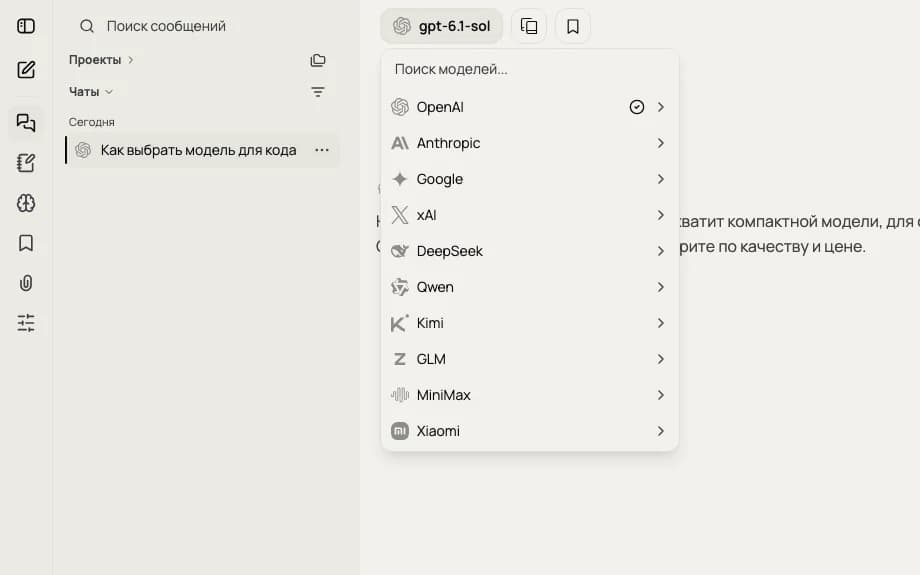
Chat with leading models
Models are grouped by maker: pick one and write. The chat interface is in Russian.
OpenAI
Anthropic
Google
xAI
DeepSeek
Qwen
Kimi
GLM
MiniMax
Xiaomi MiMo
GPT-6.1 Sol, GPT-6 Sol, GPT-5.5, Claude Fable 5.1, Gemini 4 Argon, Gemini 3.8 Flash, Grok 4.7 and more
Conversation history and attachments
Answers with Markdown and code blocks
studio.api429.com
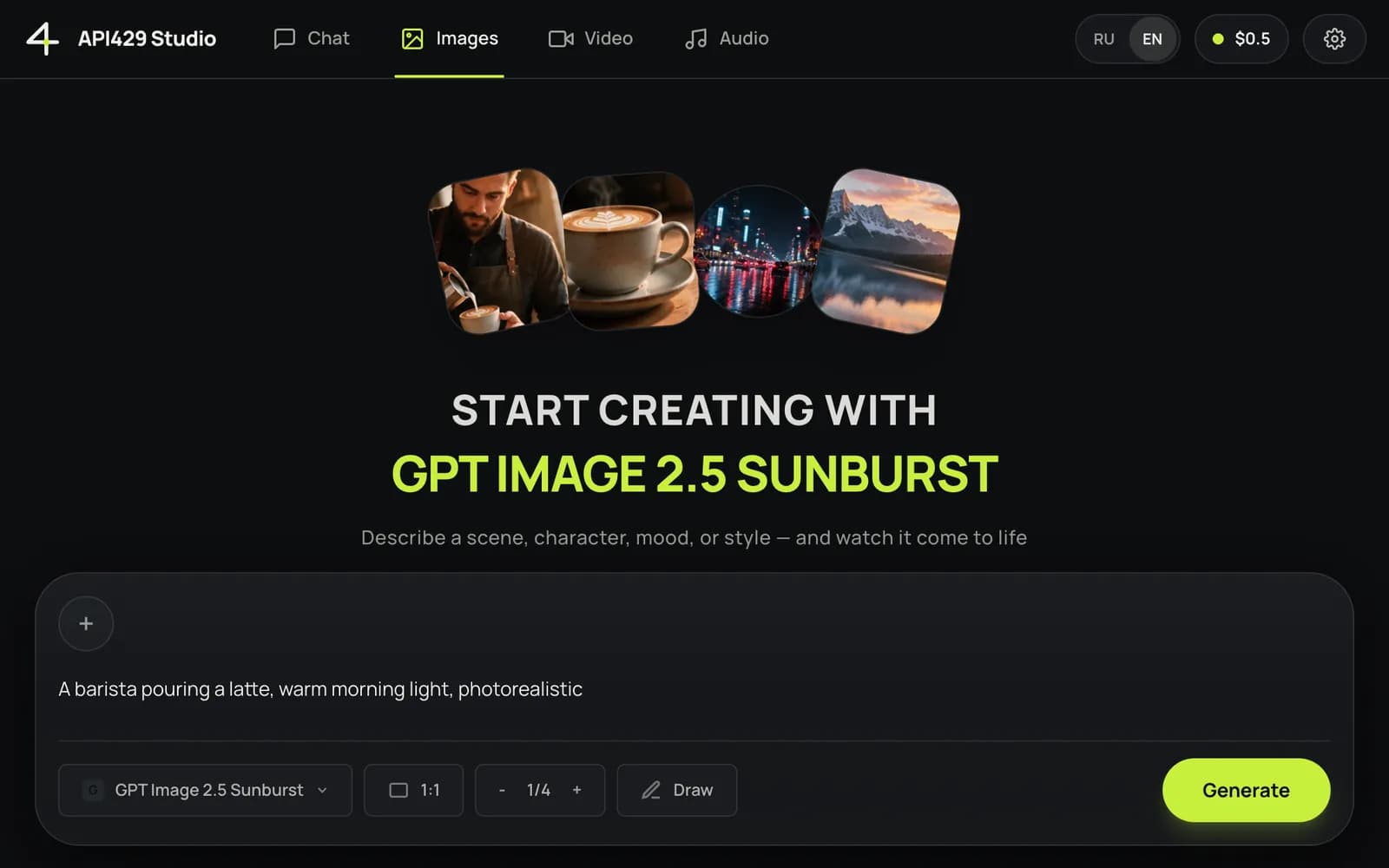
Images
Images: from a description to a result
Describe a scene, pick a model and a format. Create several variants at once, add reference images and draw right in the studio.
GPT Image 2.5 Sunburst and Flare, GPT Image 2, Nano Banana 2, Pro and Lite, Flux.2 Pro, Grok Imagine
Choose the aspect ratio and quality
Several images per run
Reference images and a drawing mode
studio.api429.com
Video
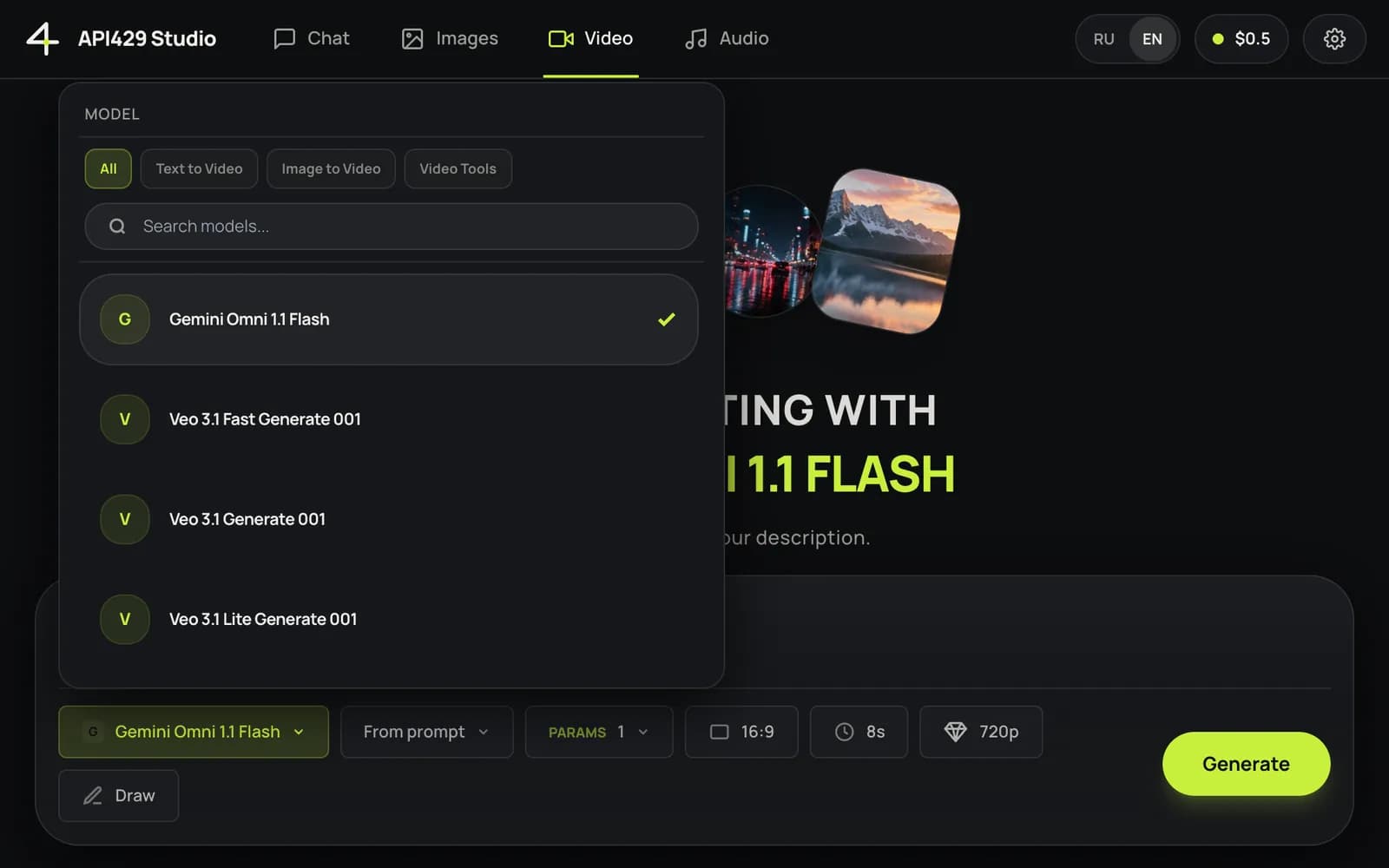
Video from text or from a first frame
Describe a clip or upload a start frame and the studio builds it.
Veo 3.1: Fast, Lite and standard
Gemini Omni
From text or from a start frame
studio.api429.com
Voice
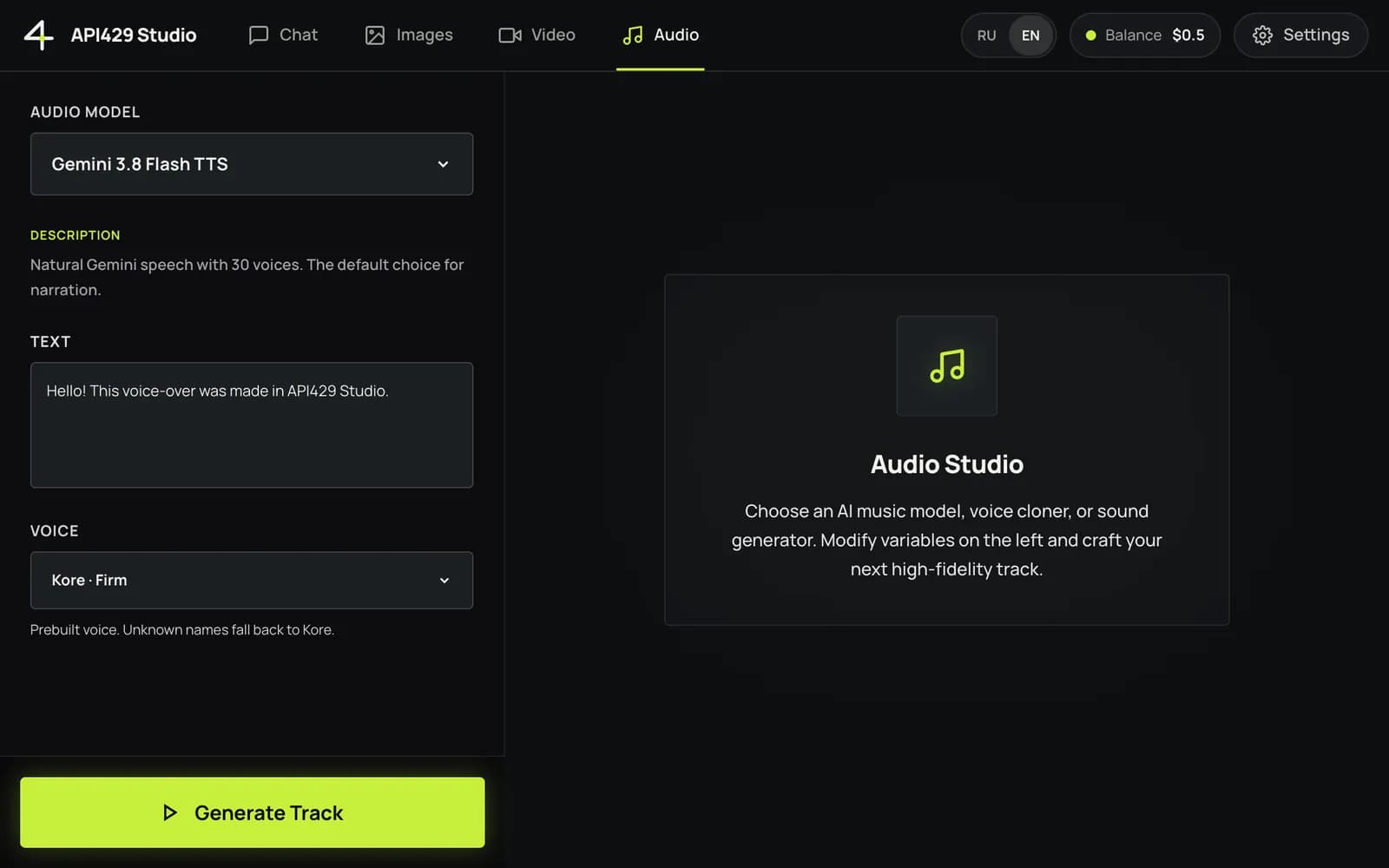
Text to speech
Paste your text, pick a voice and get a finished voice-over.
Gemini TTS voices
ElevenLabs voices
Paid from the same balance as every other section
studio.api429.com
How it works
Three steps from sign-up to your first result.
1
Sign up
Sign in to the studio with an API429 account. It is the same account as in the developer dashboard, so there is nothing separate to register.
2
Top up or use the bonus
New accounts registered through the studio get a one-time $0.50 bonus after email confirmation. After that, top up the balance by card in rubles or with crypto.
3
Work in every section
Chat, images, video and voice. Everything is charged to one account balance.
Plans
Today the studio runs from your balance: you pay API prices only for what you create. Subscriptions are below; their terms are still being finalised.
No subscription
Pay only for what you create
$0paid from your balance at API prices
Chat, images, video and voiceat API prices
Bonus for new accounts$0.50 after email confirmation
No. Sign in to the studio with your API429 account — no key required. An API key is only useful when you connect models to your own application.
How do I pay?
Usage is charged to your account balance. Top it up in the dashboard by card in rubles (via Platega) or with crypto. Subscriptions are not live yet — you work from the balance.
Studio is a ready-made browser interface: chat, images, video and voice with no code. The developer API gives your own application access to models through an OpenAI-compatible API. It is the same account: you sign in to the studio with the same credentials as in the dashboard.
The chat keeps your conversation history so you can come back to it. Your prompts and attachments are passed to the model you choose to produce the result. See the privacy policy for details.